Free AI Image
Deepfake Detector
Upload an image or video. See the forensic evidence, not just a verdict.
Try our free Chrome Extension →Deepfake Scanner
Instant AI detection with forensic precision.
- Files deleted after analysis
- No account
- Itemised evidence
Magic Image Cleanup
Need to remove something from a photo? Take it out in one step.
Comprehensive Detection Across All Major Engines
How AI Detection Works
Three stages, and the file is deleted when the scan finishes.
1. Upload
Drop in a photo or clip. It is used for this scan only and deleted when the scan finishes.
2. Scan
We read the file's content credentials and metadata, look for the invisible watermark some AI tools embed, and score the pixels with a detection model.
3. Uncover
You get a plain-English verdict, a confidence score and the evidence behind it. When a watermark or credential names the AI tool, the report says which.
Detect deepfakes without leaving your browser
Right-click any image on any site · Try it free · No account required
The Anatomy of Deception
What each forensic signal catches. Generators slip up somewhere: in watermarks you cannot see, lighting that does not add up, and frames that quietly drift.

Lighting Mismatch
Light on the cheekbone comes from a different side than the shadow on the collar.
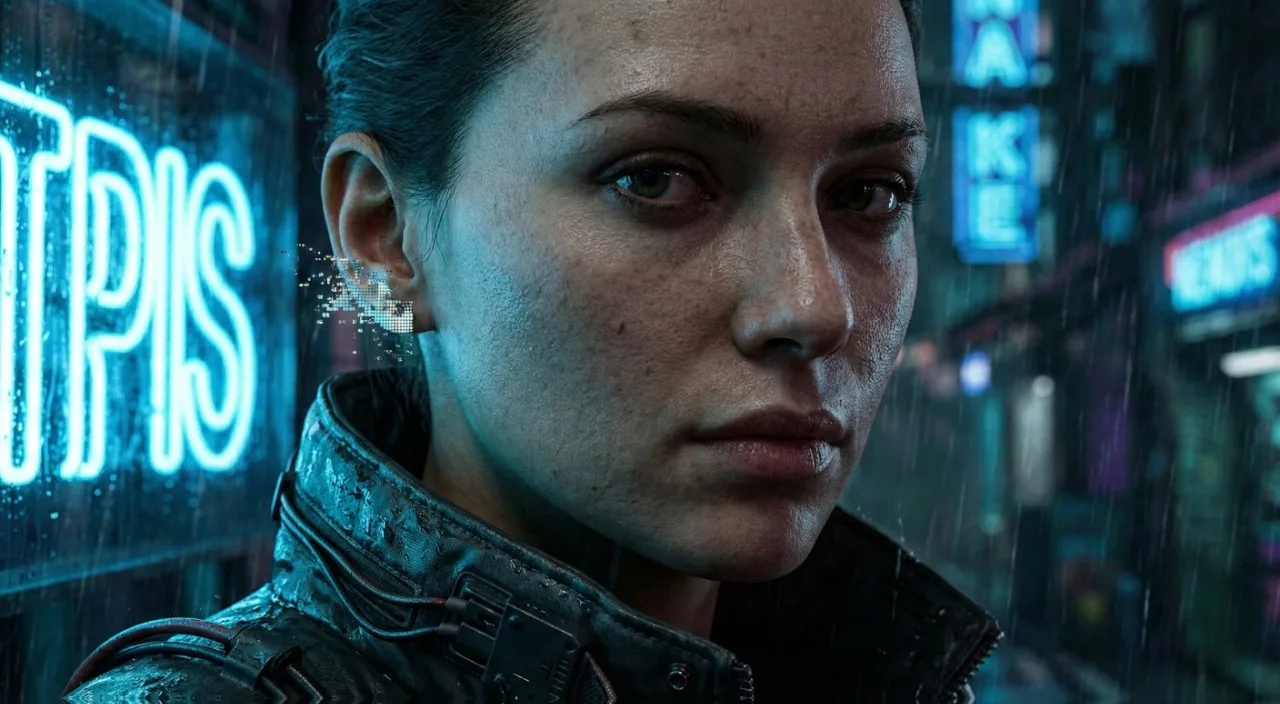
Anatomical Glitch
Ear structure dissolves into hair texture (common Midjourney v6 artifact).
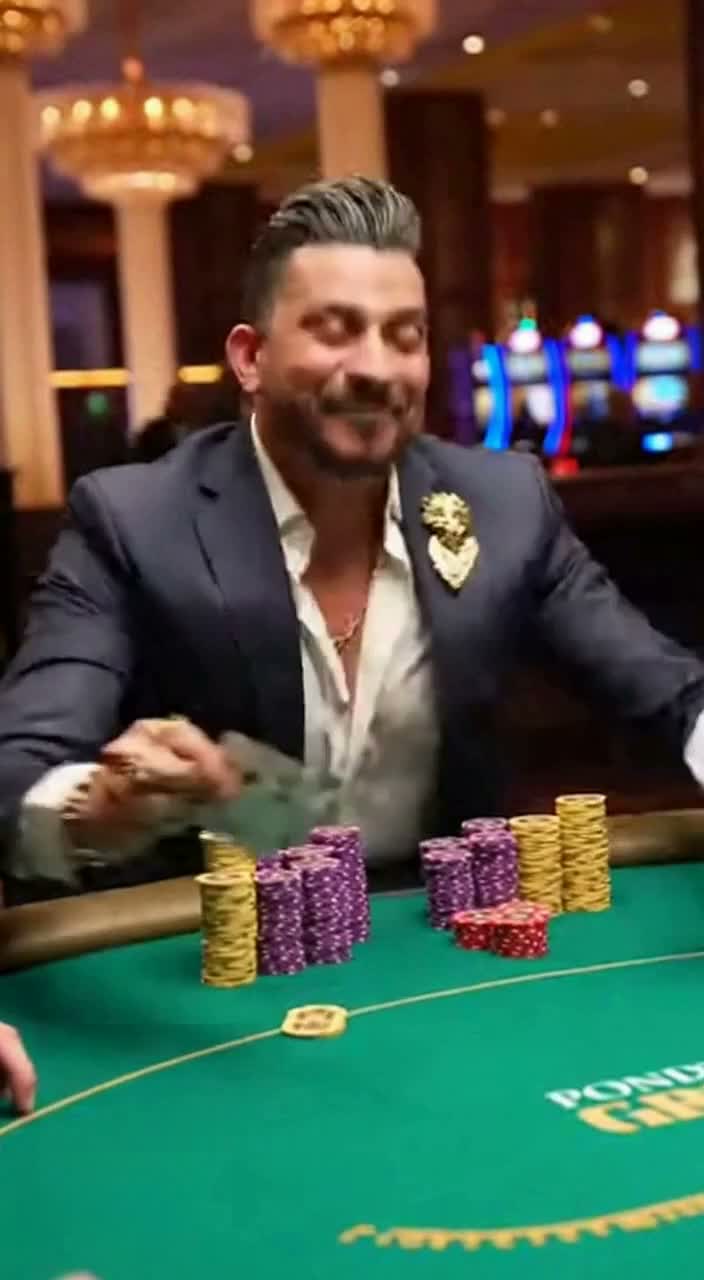
Metadata Trace
Container metadata confirms origin as OpenAI Sora model.
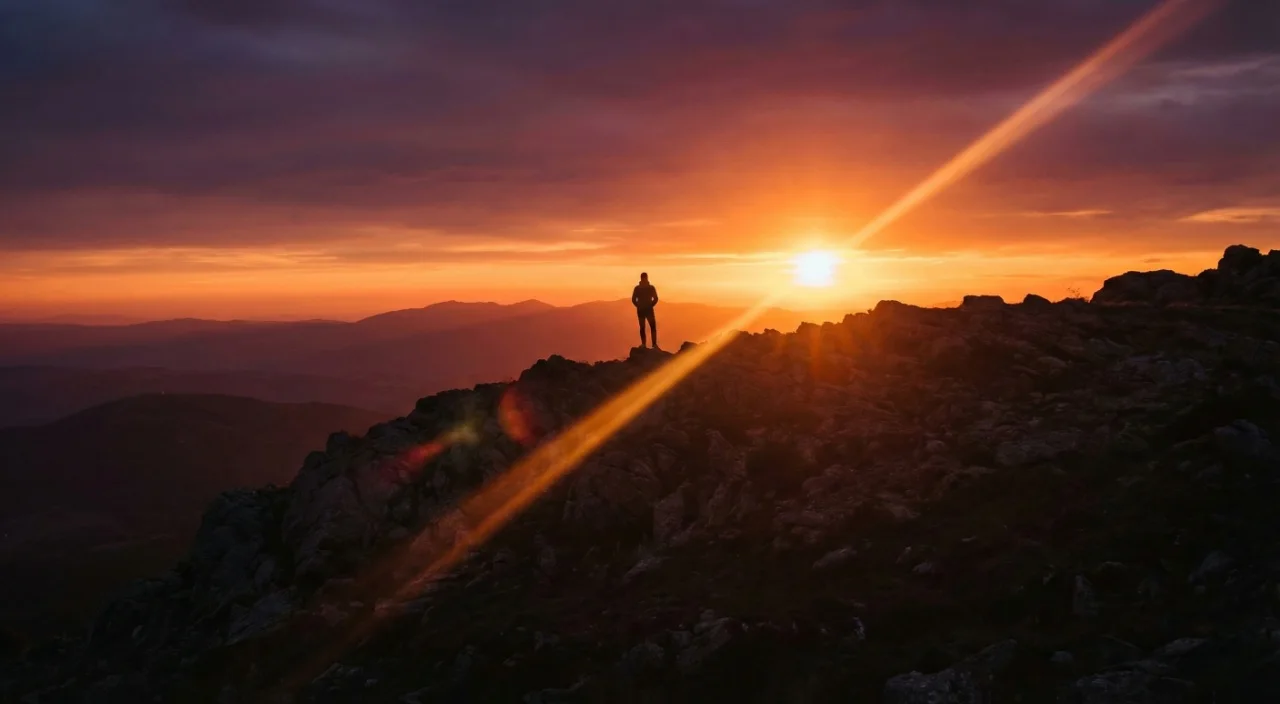
Metadata Ghosting
Image claims 'Canon R5' copyright, but noise profile matches Stable Diffusion XL.
Restore Clarity. Reveal Evidence.
Select a mode to see how our AI removes artifacts. From clearing CCTV timestamps to removing social media artifacts.
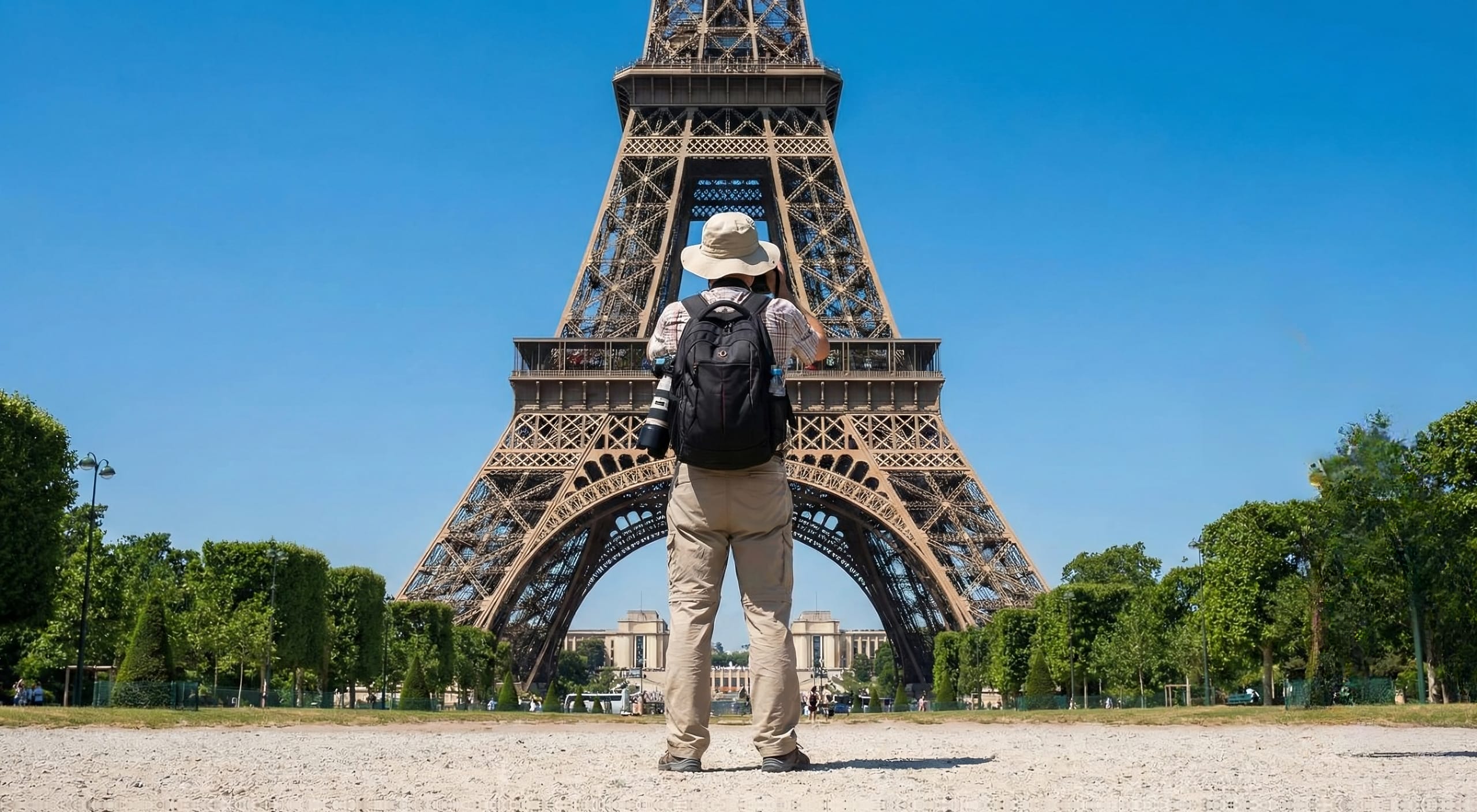
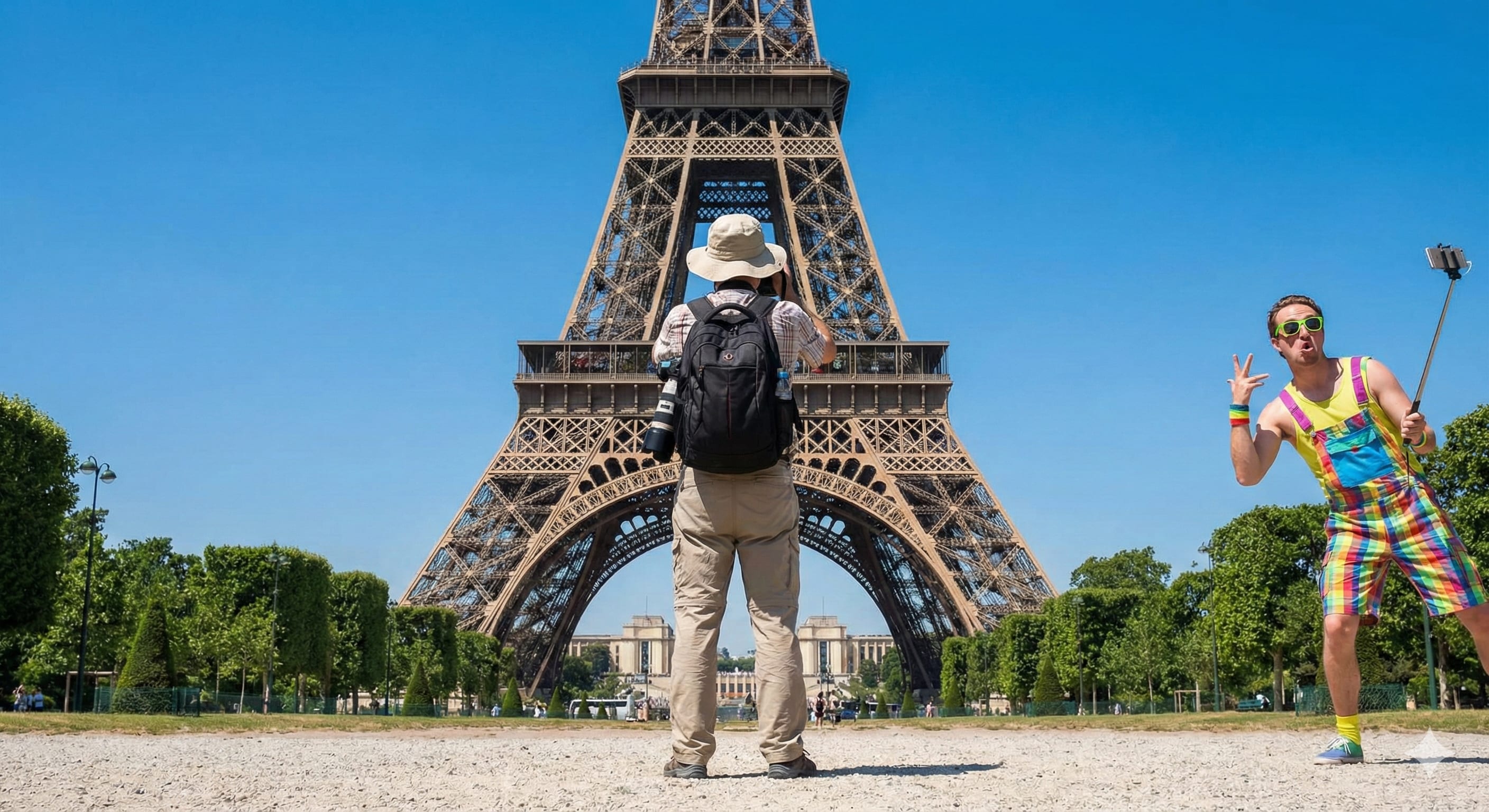
Take passers-by and photobombers out of a shot.
Remove People
Remove unwanted people from your photos instantly.
Evidence Cleanup
Isolate subjects and remove visual noise from photos for clearer analysis.
Artifact Removal
Remove TikTok, Instagram, and platform overlays to analyze the original source media.
What people check
The moments when a fake picture costs something.
Frequently asked questions
Your file is not kept. It exists only for as long as the scan takes, and it is deleted the moment we hand back a result. No backups of the image, no quiet copy kept for training. We could not show you a past upload even if you asked, because one does not exist. What can be kept is the result: a report you choose to share holds the verdict and evidence, not your file.
To check a file, upload a photo (JPG, PNG, WebP or HEIC) or a video (MP4 or MOV, up to 100 MB). Magic Cleanup takes photos, and the cleaned image comes back as a JPG or PNG at the quality you put in. We don't re-compress your export into a blurry mess on the way out.
No detector is right every single time, and we won't pretend ours is. The number you see is a confidence reading, measured against millions of real photos and generated images from models like Midjourney and Flux. Read it as strong evidence to act on, not a courtroom verdict.
Up to three checks run in order. First the file's own record: content credentials and metadata that can name the tool that made it. Then the invisible watermark OpenAI and Google put in their AI images. Then a detection model scores the pixels. The first decisive answer wins, and the report shows which one it was.
Clone tools just smear nearby pixels over the gap. Ours rebuilds it with a diffusion model that reasons about light, edges, and texture, so the patch actually belongs to the scene instead of floating on top of it.
Resolution stays put. You get the original dimensions back, up to 4K, with no downsampling and no blur. There's no quality tax for running the cleanup.
Your Media Stays
Yours. Always.
Your file is used for the scan you asked for, then deleted. It is not kept in a gallery or attached to an account.
Your media is deleted as soon as the analysis finishes. Your scan history lives only in your own browser and is never uploaded to our servers. Results should be used as a strong signal, not a legal verdict.
Not sure a picture is real?
Scan media nowSponsored